Trigger
Forward
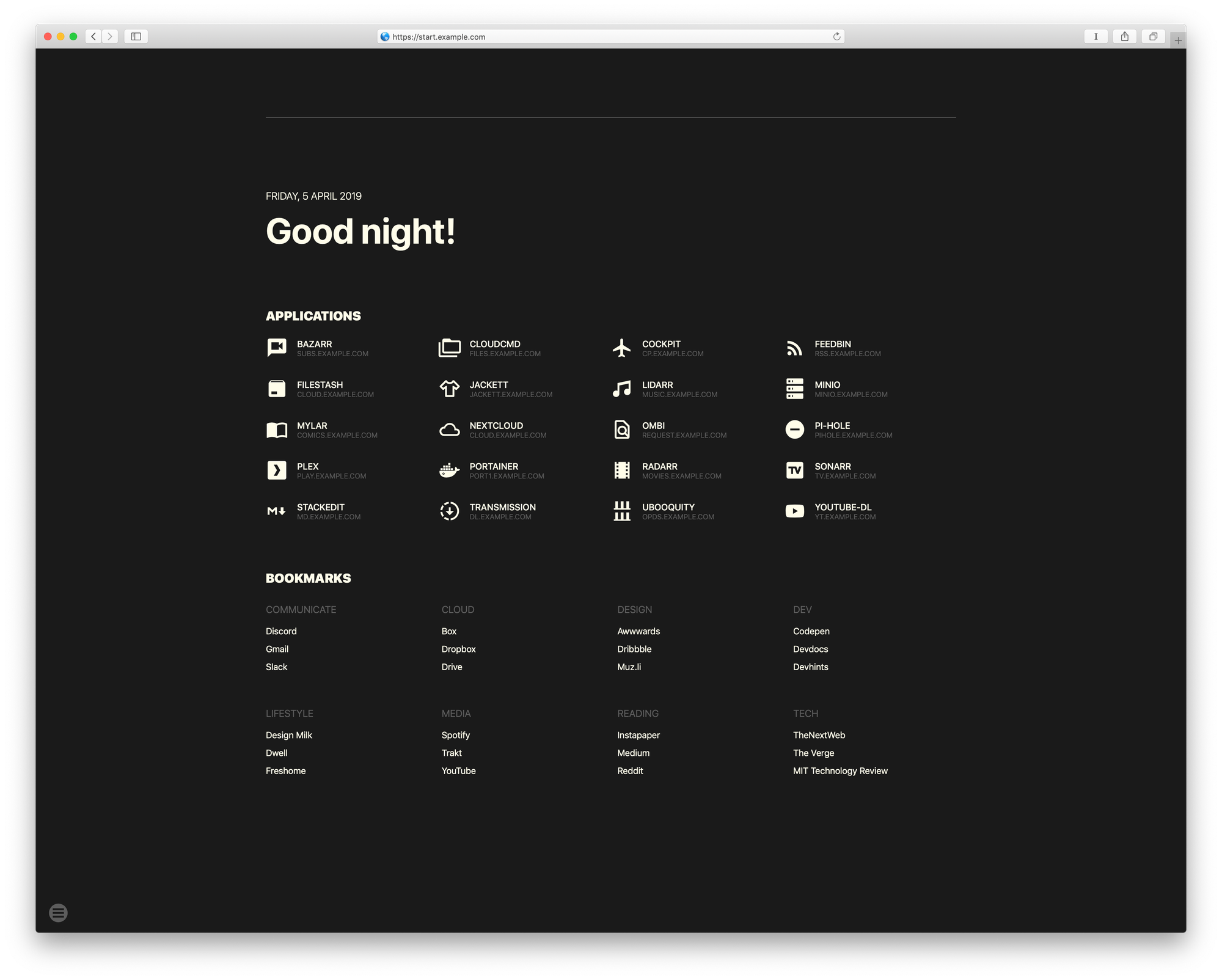
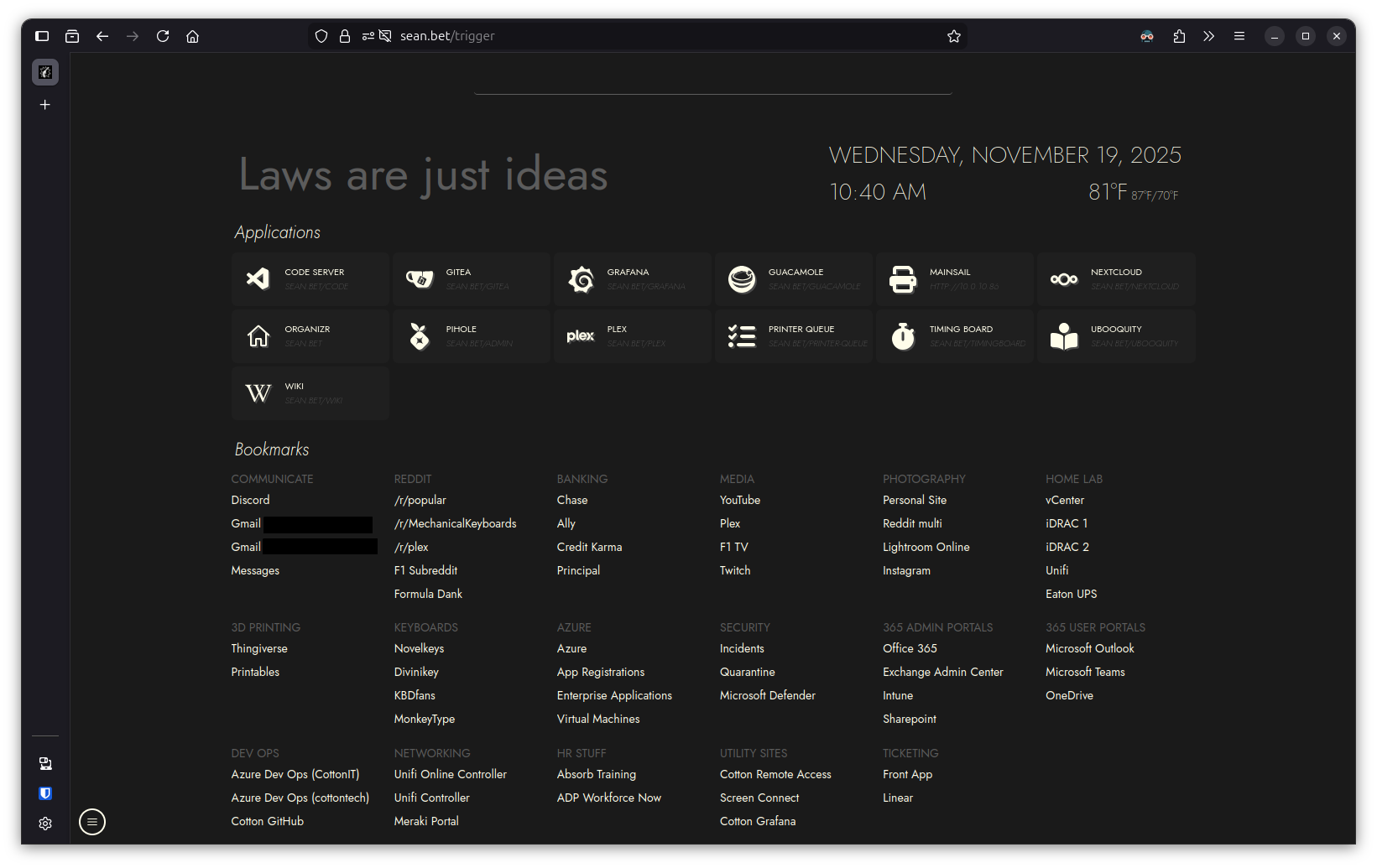
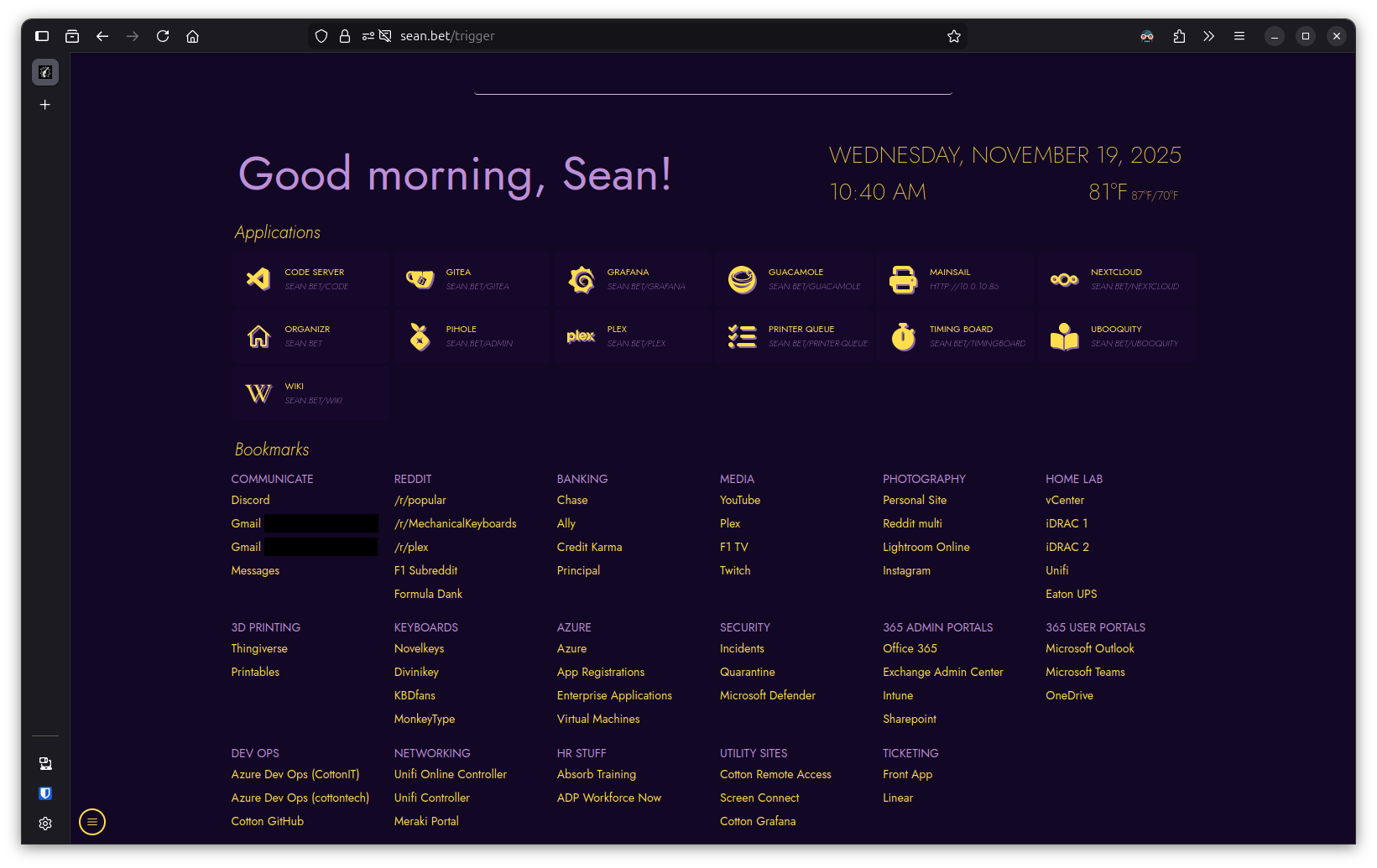
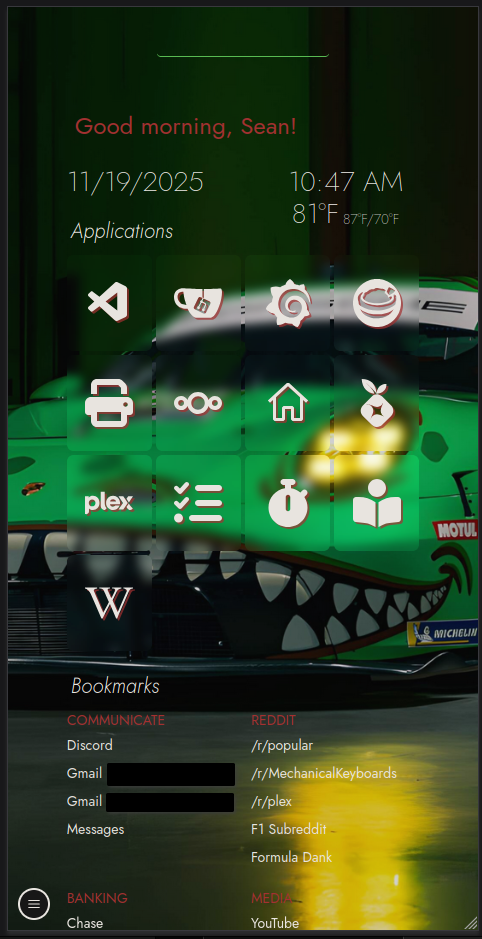
This project began a fork of sui, an open source home page designed as a simple landing page with applications and bookmarks. As I started using it, it became clear that longer use would be made tedious by having to manually update JSON files every time I wanted to add something. An updated project, flame, exists; however, flame is intended to run on docker, which I am not a fan of in my environment. I also had a need to learn React, and so I started on my own version. I then began rewriting sui in React with TypeScript instead of it's native JavaScript, and added a MariaDB database for storage. The result was a highly customizable home page for any browser or device.
Repositories
Technologies Used
-React/TS with various packages
-Vite
-Nodejs + NPM
-Mantine Component Library
-MariaDB server
-pm2
-VSCode
-NGINX
-Git/Gitea
Reasoning and Challenges
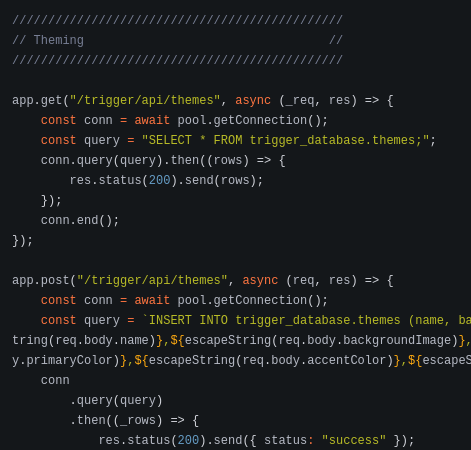
As mentioned above, one of the main challenges was having to update JSON files every time you need to update any entry. This was compounded when trying to update themes, as they also had static entries in the JS and CSS files. There was no way to update anything via the front end.

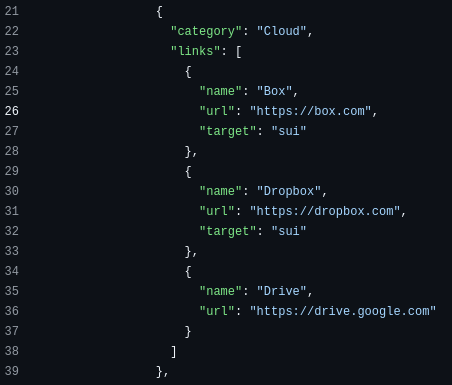
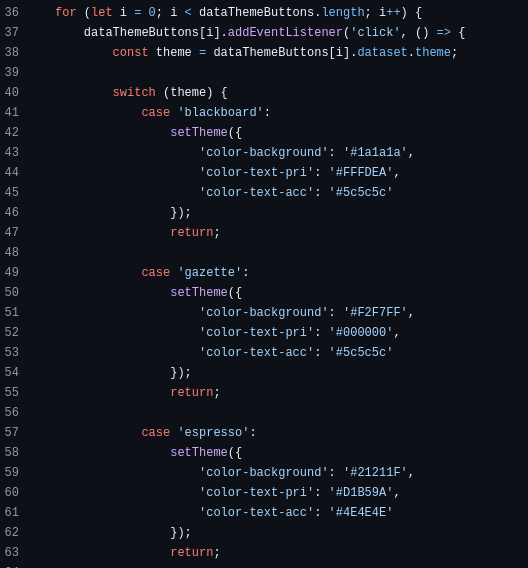
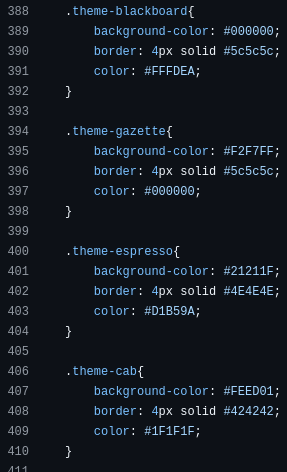
These are not very feature rich objects either. Moving forward, everything also needs to be able to be updated from the front end, otherwise it wouldn't be very convenient of a home page. At this point it just made sense to start the back end Node.js server and create a database for storage. Not to mention this is a lot easier in my opinion than reading and writing back JSON files and worrying about formatting.
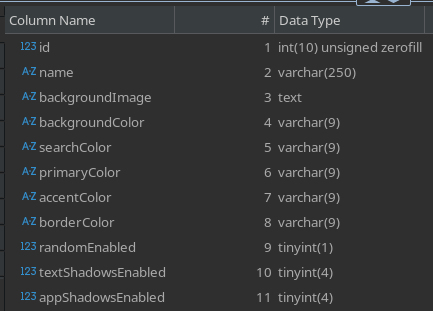
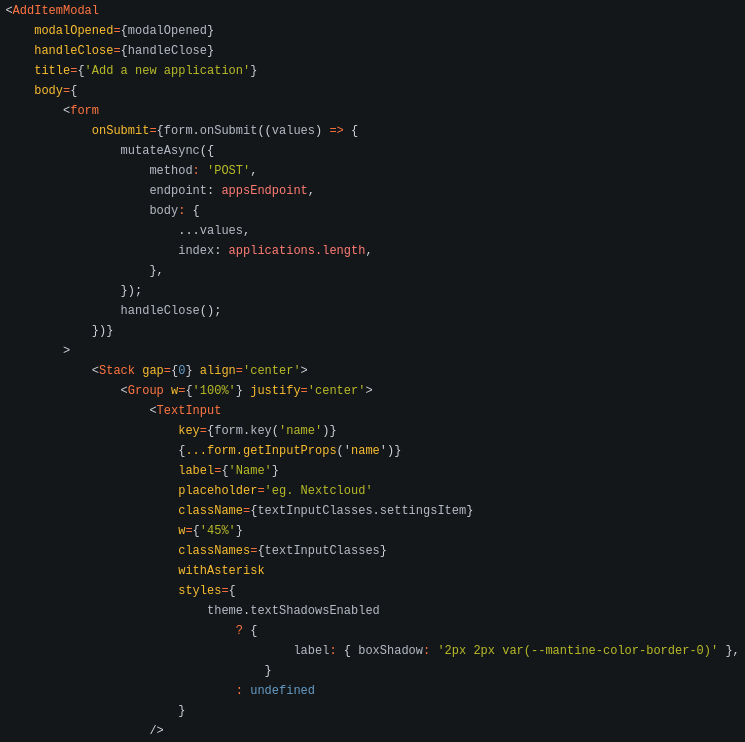
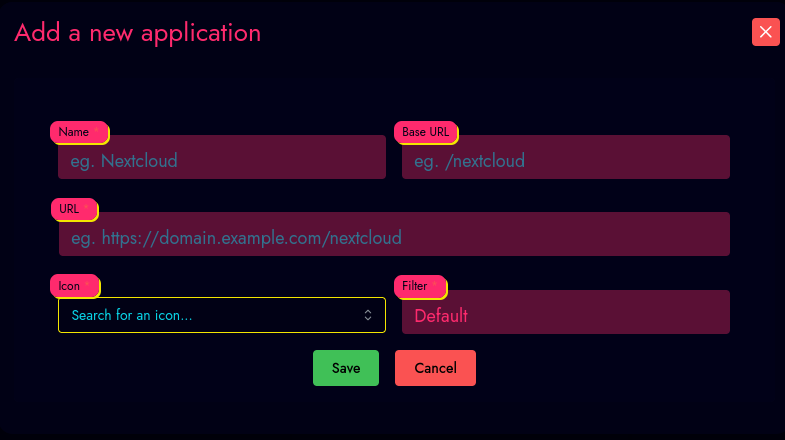
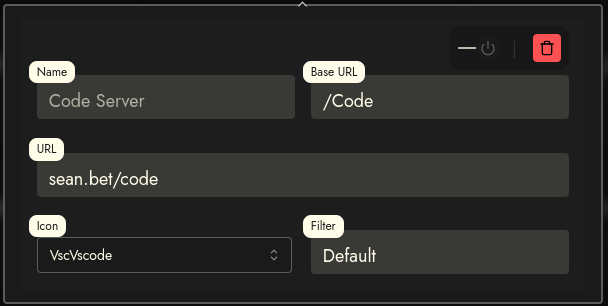
As a result, I needed to create front end elements to handle all of these operations. I created several multipurpose Modals using the Mantine Component Library to help with development time. These Modals accept a ReactNode object for it's "body" and present the user with a basic form.
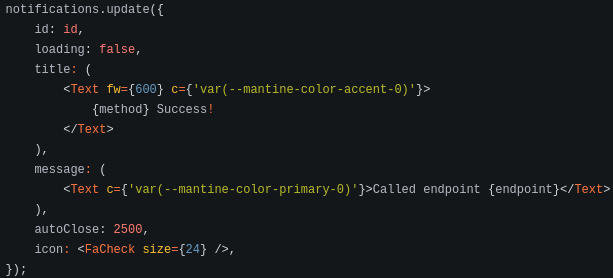
Front end changes wouldn't be any fun without a notification letting you know your changes were successful for not, so I also added basic notifications on all API calls to let the user know the request fired and a response was returned.

For convenience on the development side, the API code has been fully configured to reach either the production or development environments that the user configures.

This is a much more convenient model for the user to manage their home page items. Even before this part was complete, however, I had already updated the structure of the original project when converting it to React.
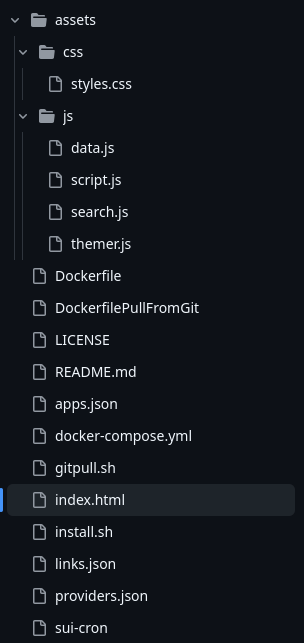
The original structure was extremely simple.
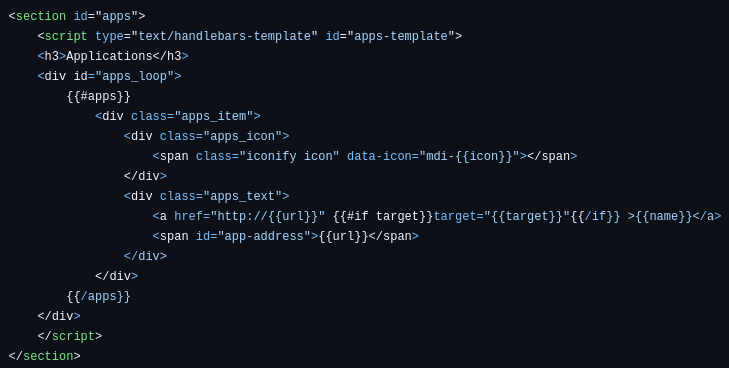
Inside index.html you can find regular HTML and JavaScript blocks enumerating things like the applications.
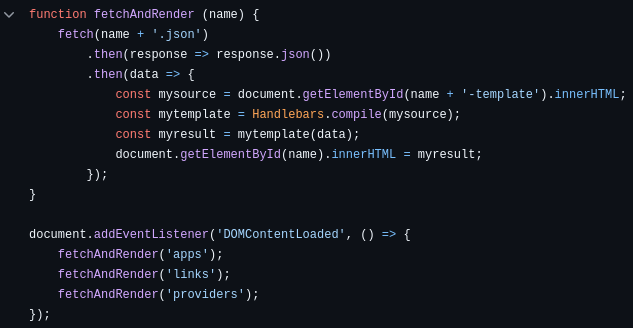
My implementation ends up being quite a bit more complicated in code, due mostly to handling states, new customization features, and TanStack queries.
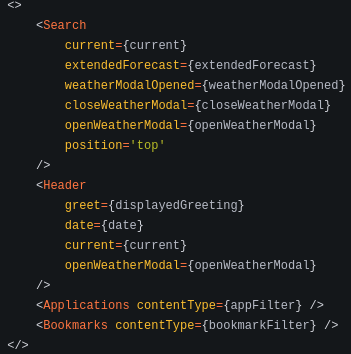
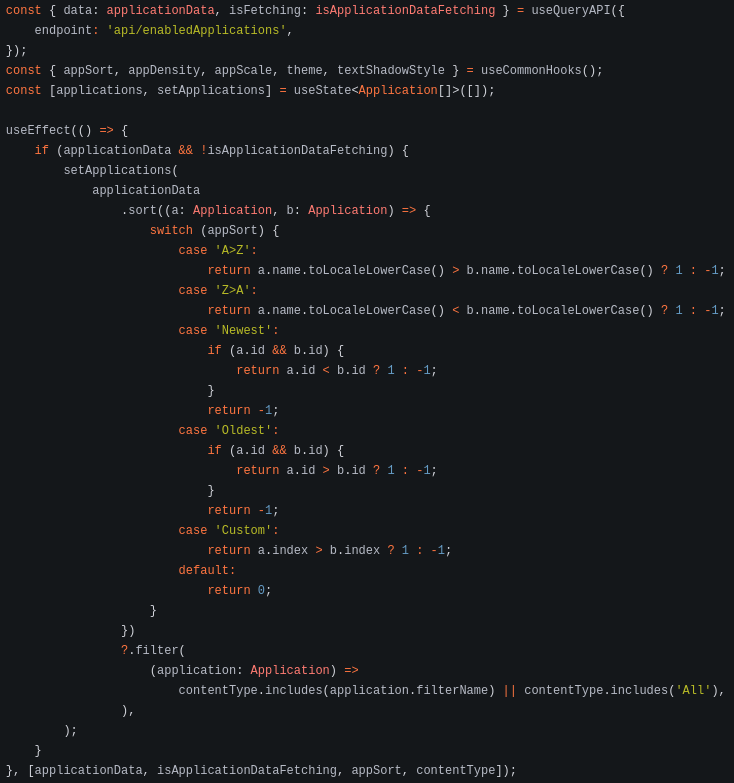
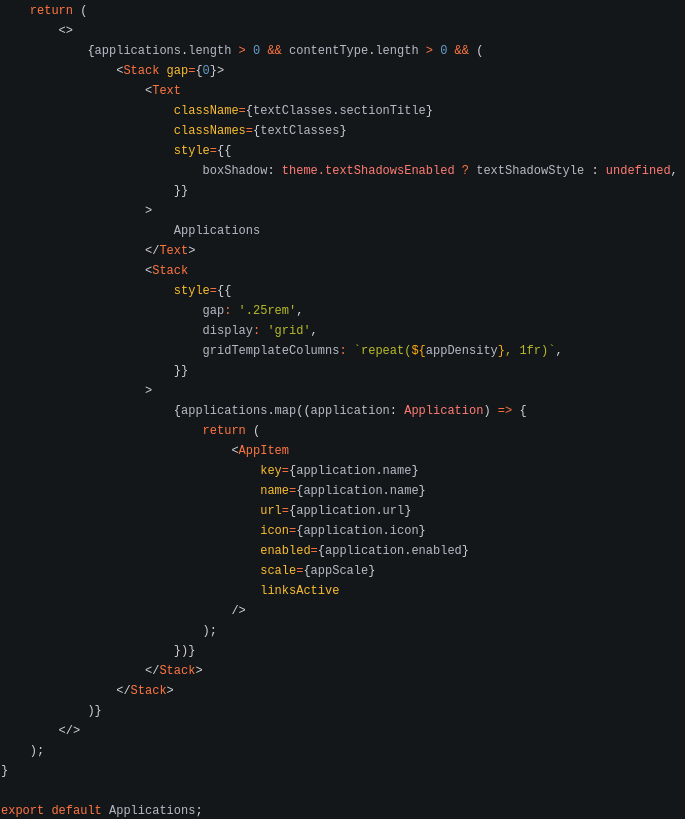
Since this was intended to be a learning project for React+TS, I decided to break out as many components as possible for practice. This lead to quite a few files, but an easy to follow structure.
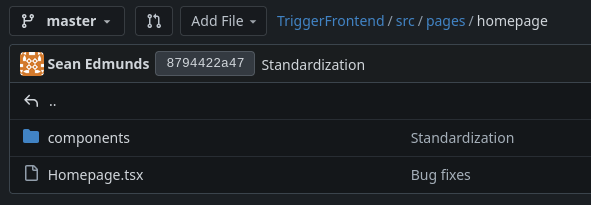
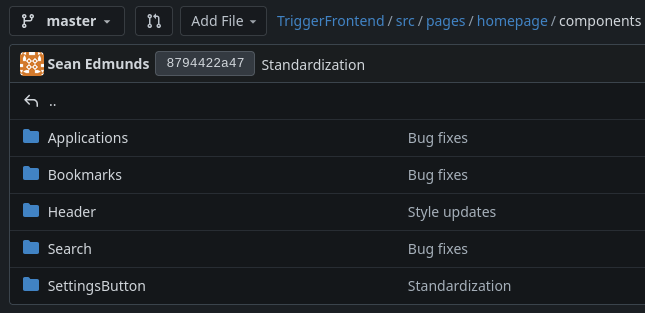
Features
Search
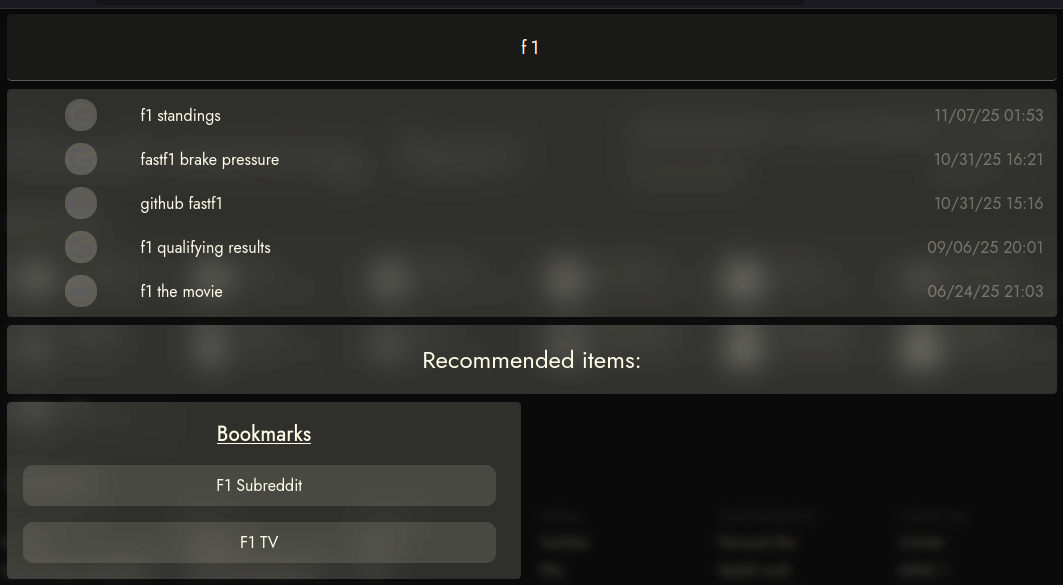
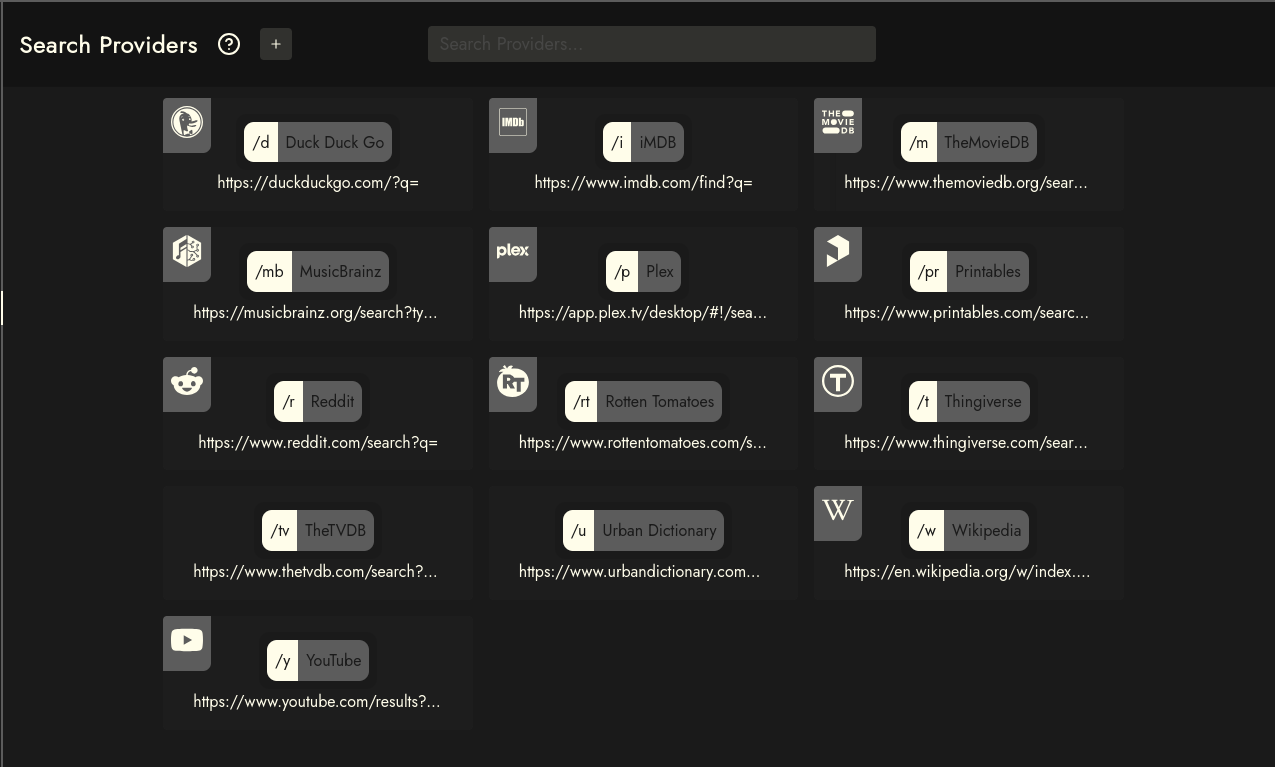
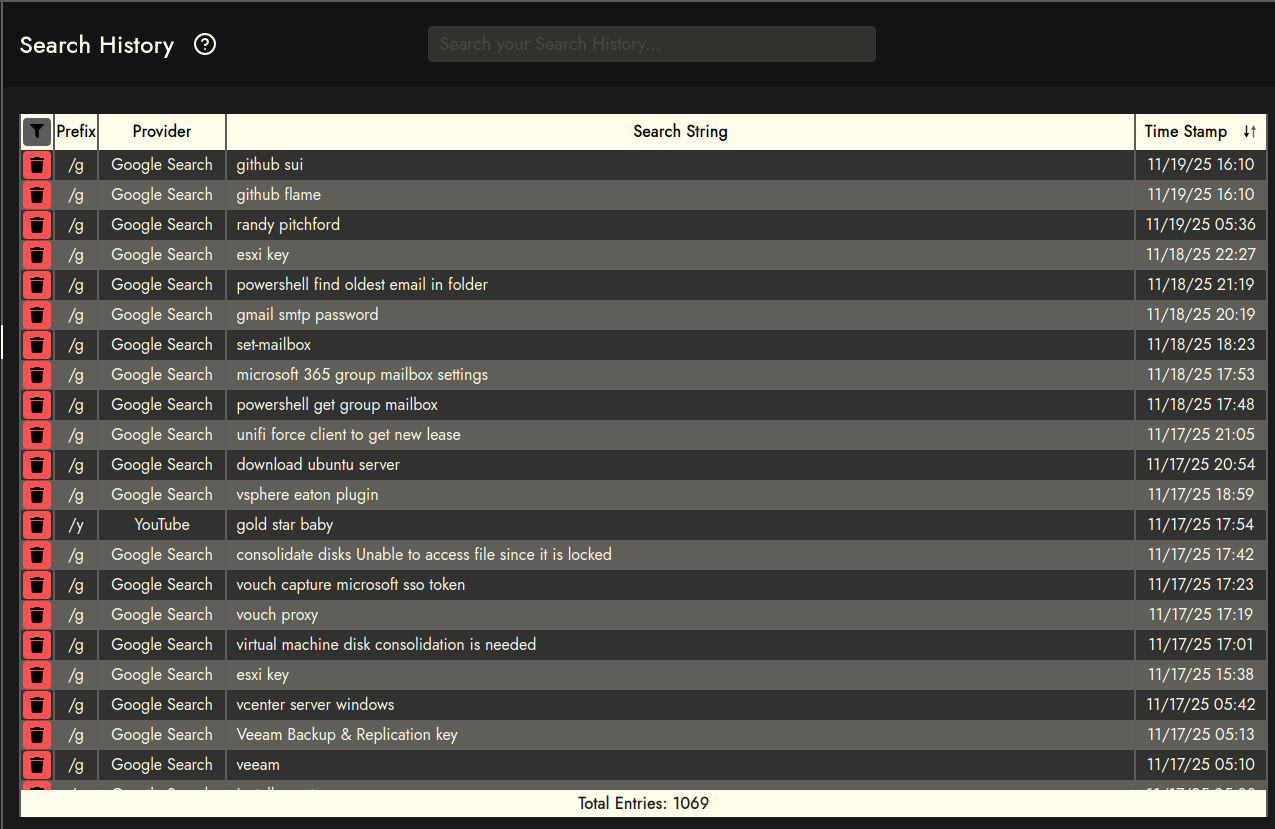
Header

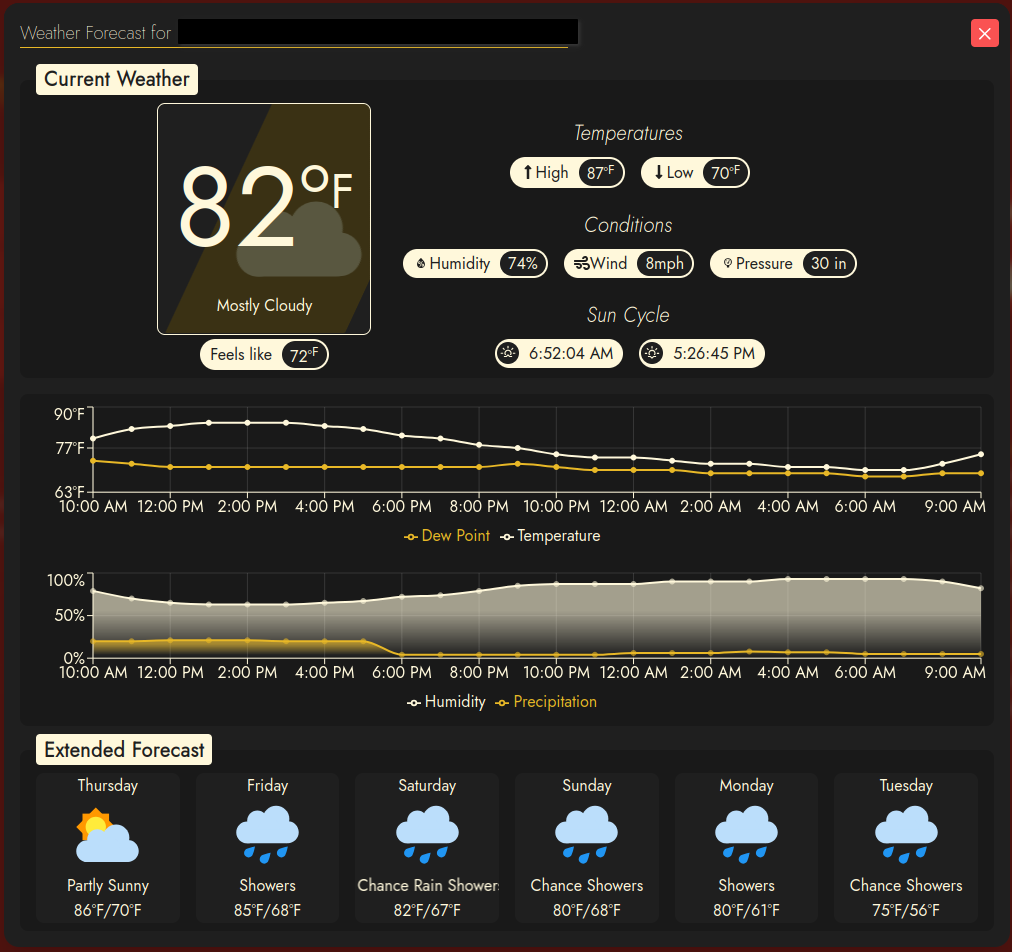
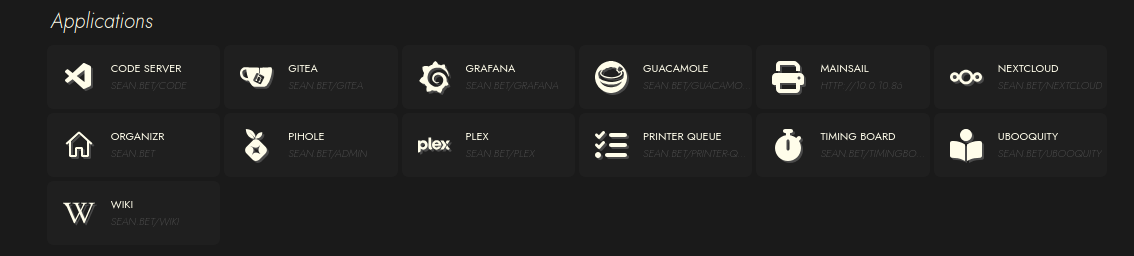
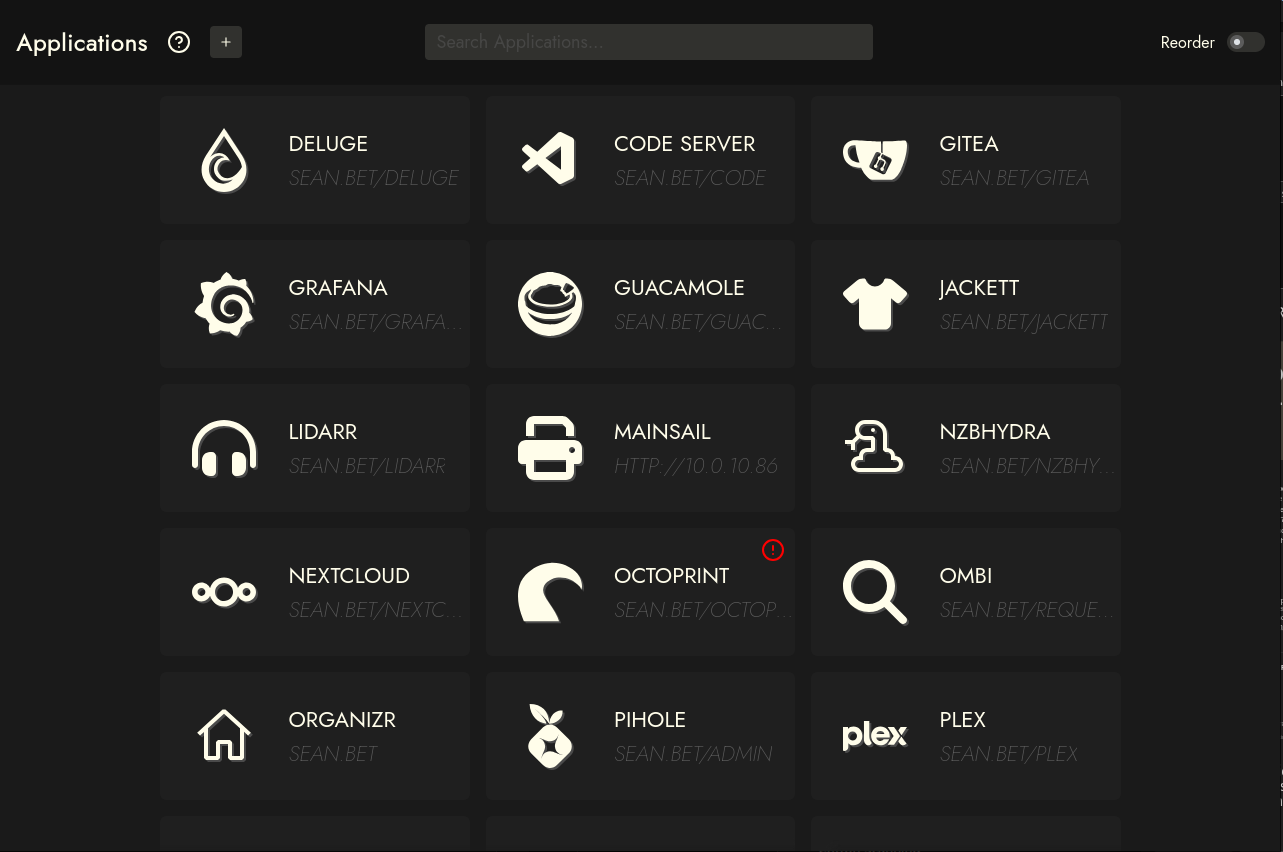
Applications
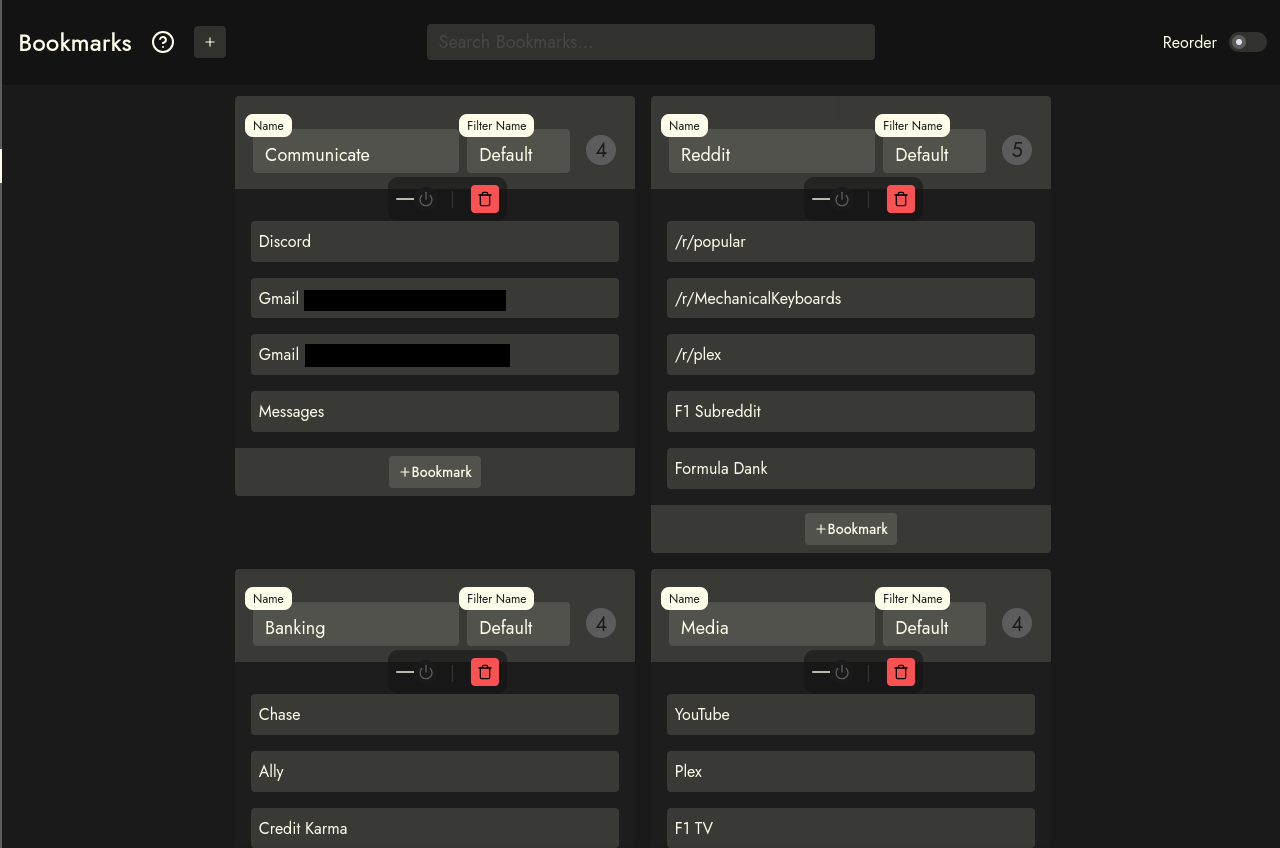
Bookmarks

Settings Button
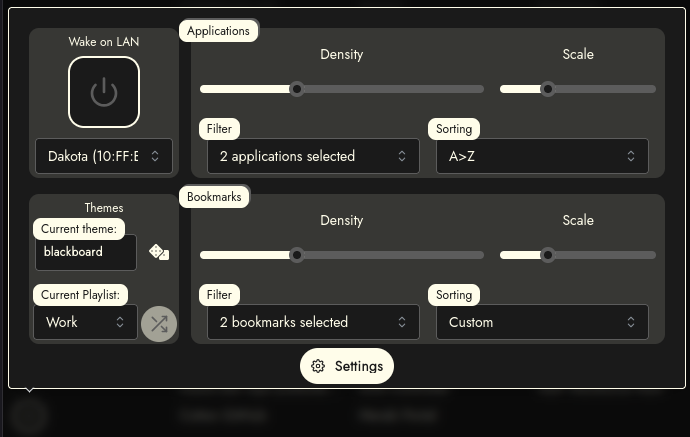
Theming
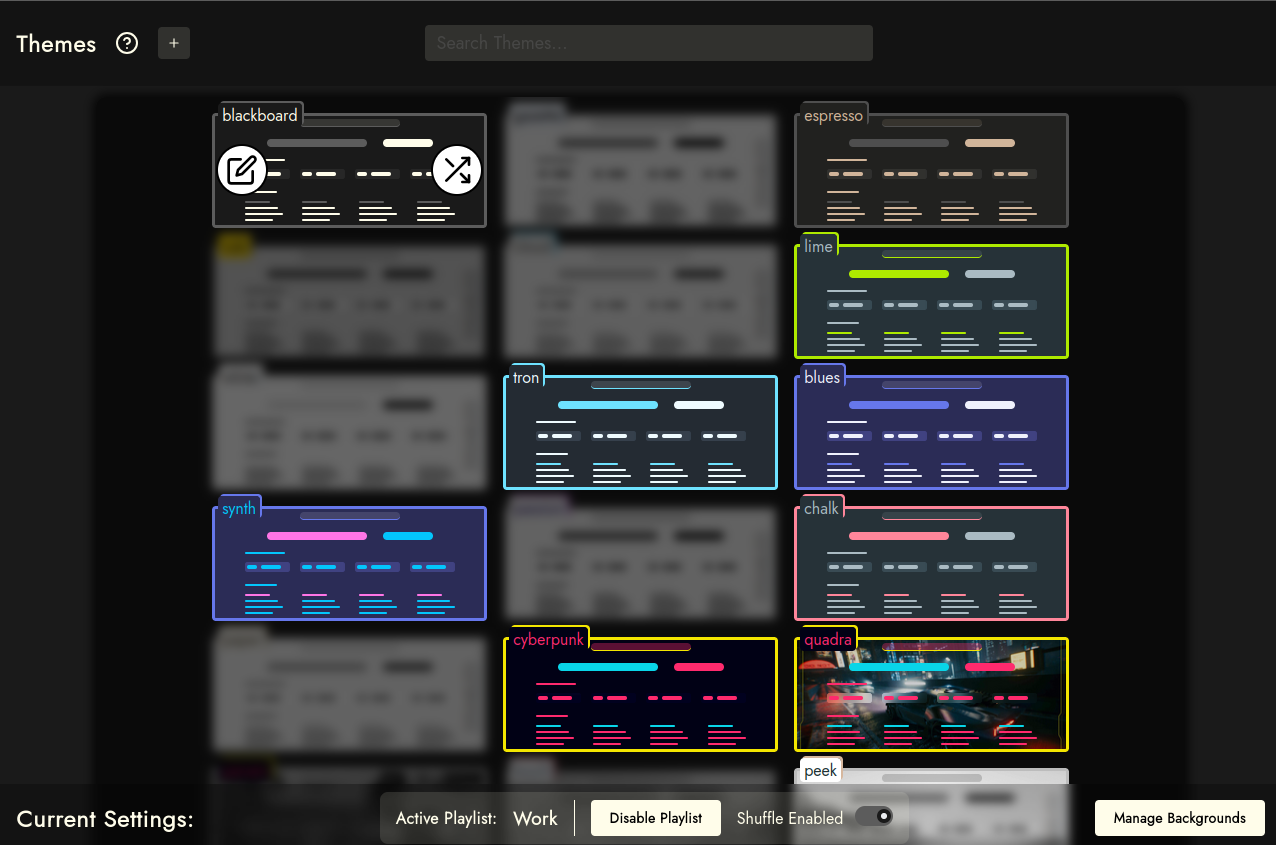
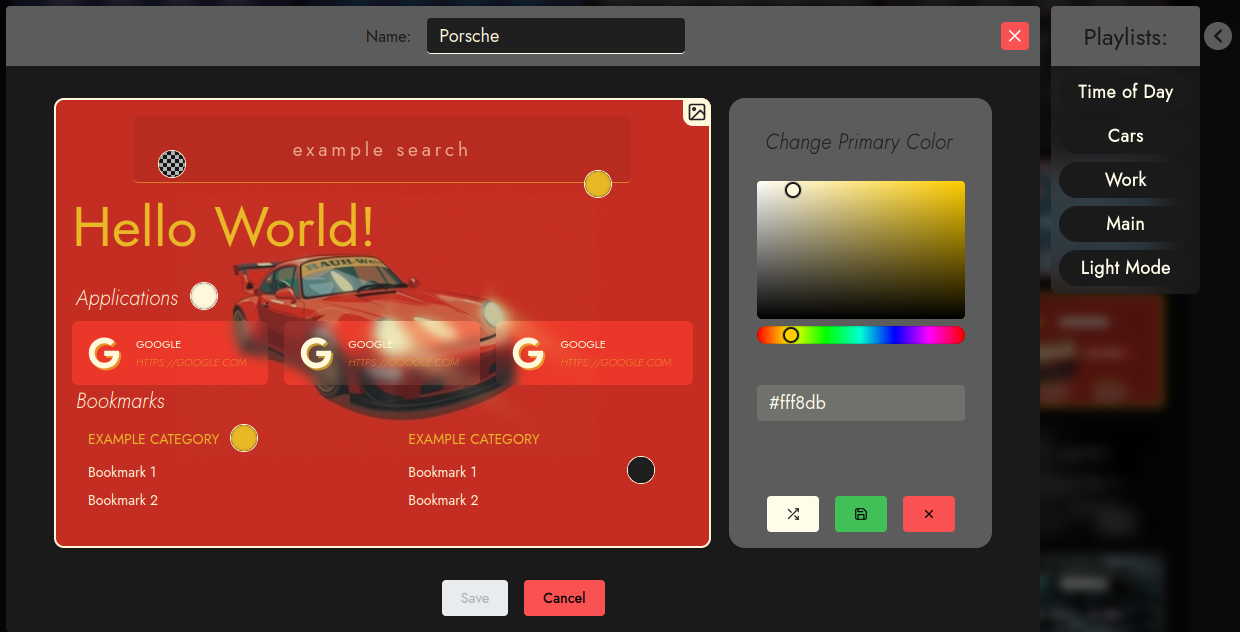
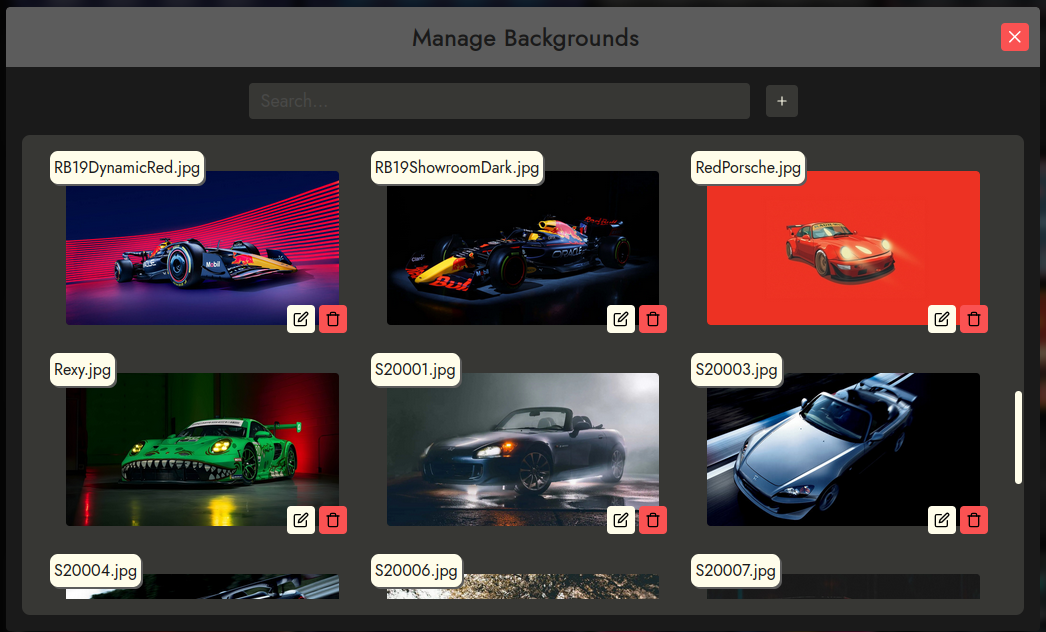
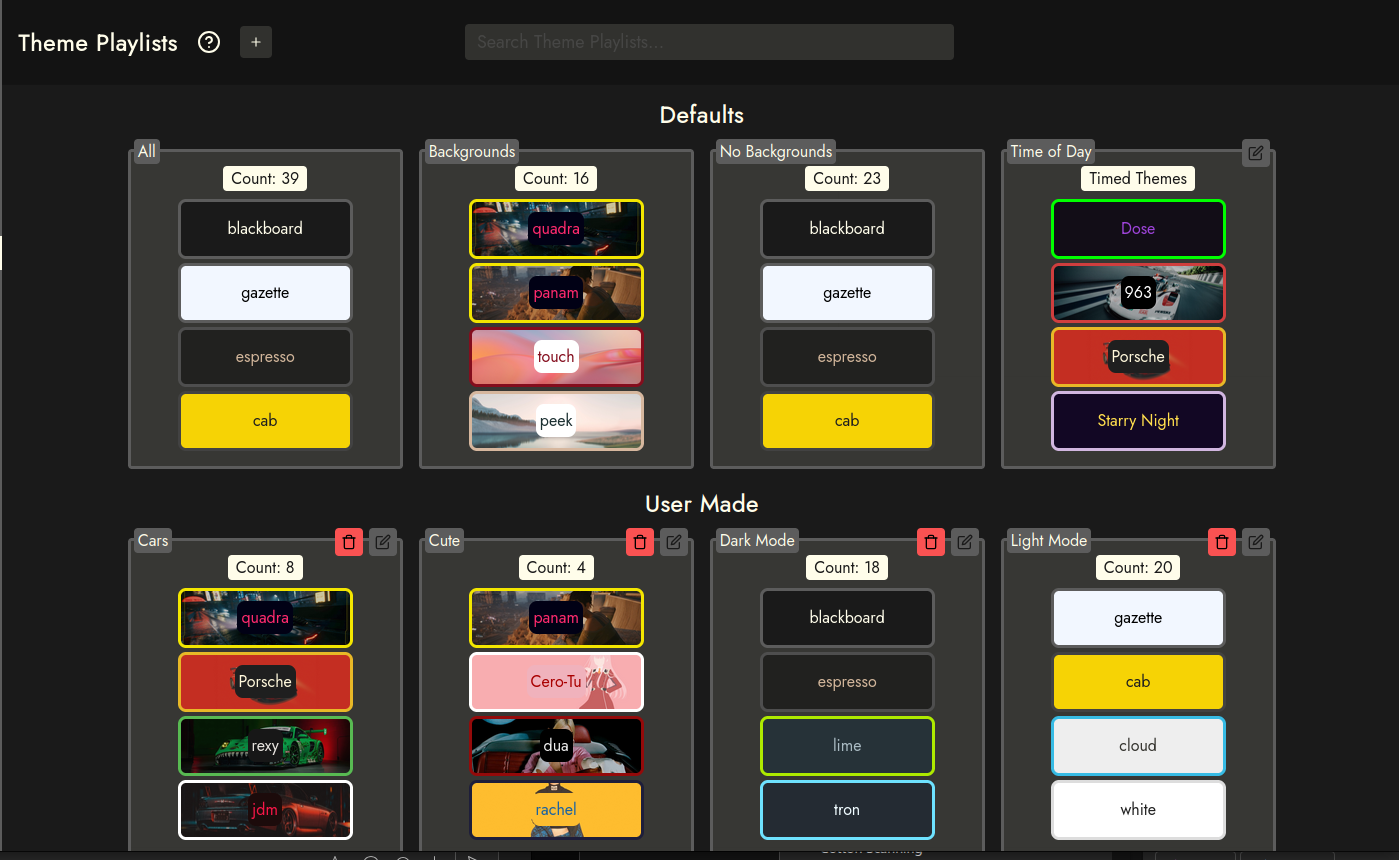
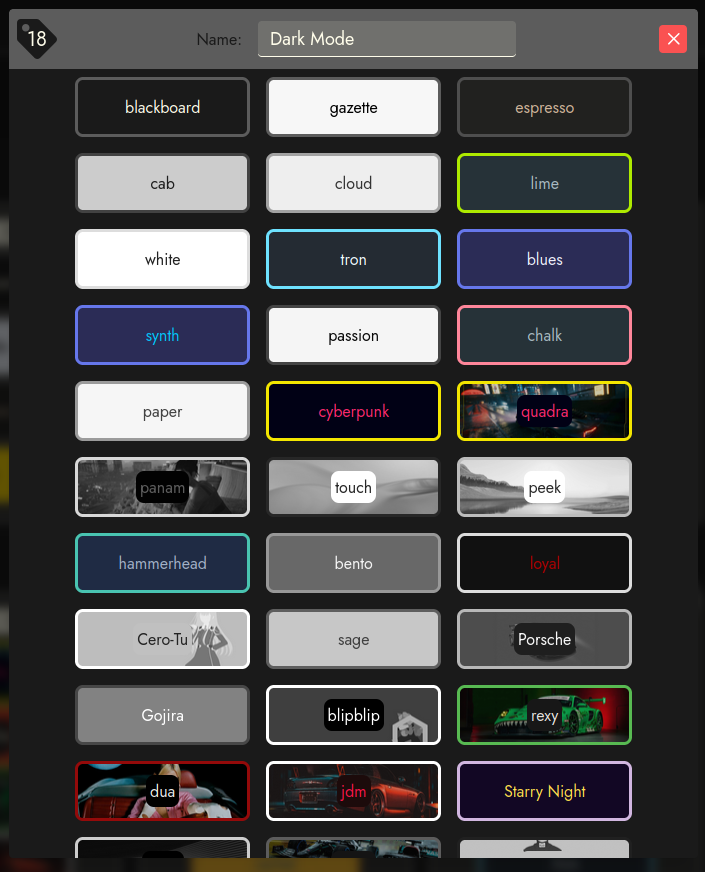
The two biggest challenges with sui and flame were customization and theming. Customization was easily fixed by adding the database and API server to allow for updating items on the home page front end. I was using an editable table while development was in progress to view and edit themes, but there was no preview, color picker, or other useful visual elements, and all fields were just strings. But I did want to solve both of those issues going in, which resulted in a fully fledged theme builder and playlist management for user generated themes. While somewhat basic, it allows for fairly great expression of creativity.
Technical
The page is being served through an NGINX reverse proxy, and the back end API server has been separated into it's own package so that it can be located on a different server if necessary. Relevant connection details are in .env files for the user to configure.
The user has the option to change the base url of the server so that they may choose to either serve it at the root of the domain, a subdomain, or a URI slug.
The page does not handle authentication directly, and relies on NGINX to handle an auth-request to allow a user to reach the page. If they do not have authorization, they are redirected to a 401.
The back end Node.js server and front end Vite project have both been setup to run using pm2 as services.
When used together you can make a very useful and easy to change home page.
Screenshots